
Plan
Set the days a goal applies and define its minimum. Choose weekdays or a schedule with a weekly break allowance.
Android · public beta
Have several commitments and want to stay consistent? Record completion, your agreed minimum and breaks. Follow your continuity and assess your effort separately.
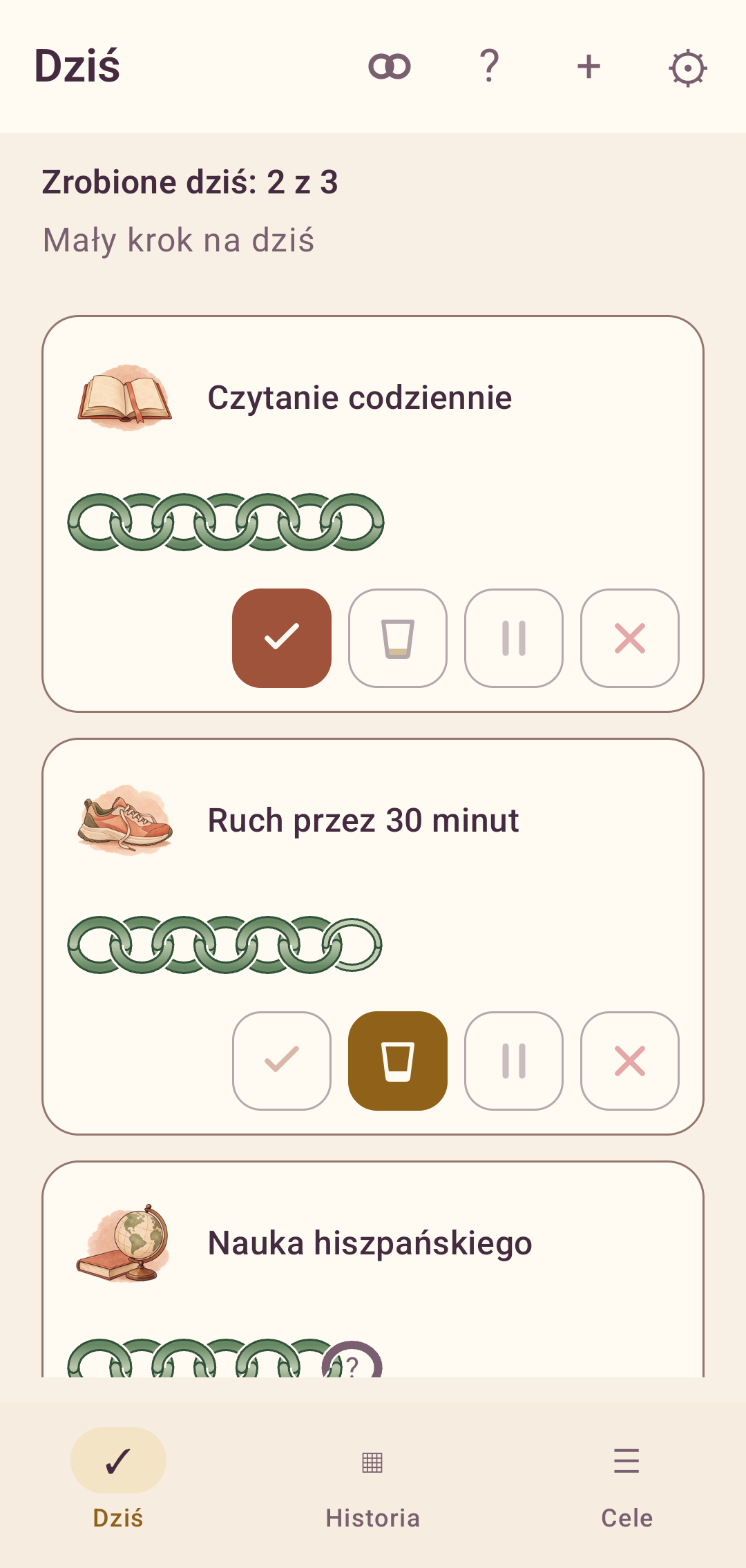
Four things, each with its own meaning
A difficult day, a completed minimum and planned rest are different situations. Daily Goal preserves those differences so you can review your actions honestly.
Set the days a goal applies and define its minimum. Choose weekdays or a schedule with a weekly break allowance.
Record what happened: done, minimum or not done. Work on a planned break day can be recorded as a bonus.
Ask yourself: ‘Did I make every effort?’ Your 1–10 rating is independent of the number of completed goals.
Track the regularity of reviewing your day. It has its own streak, separate from individual goal streaks.
Inside the app
Watercolor illustrations help you find a commitment, while chains show its recent history.
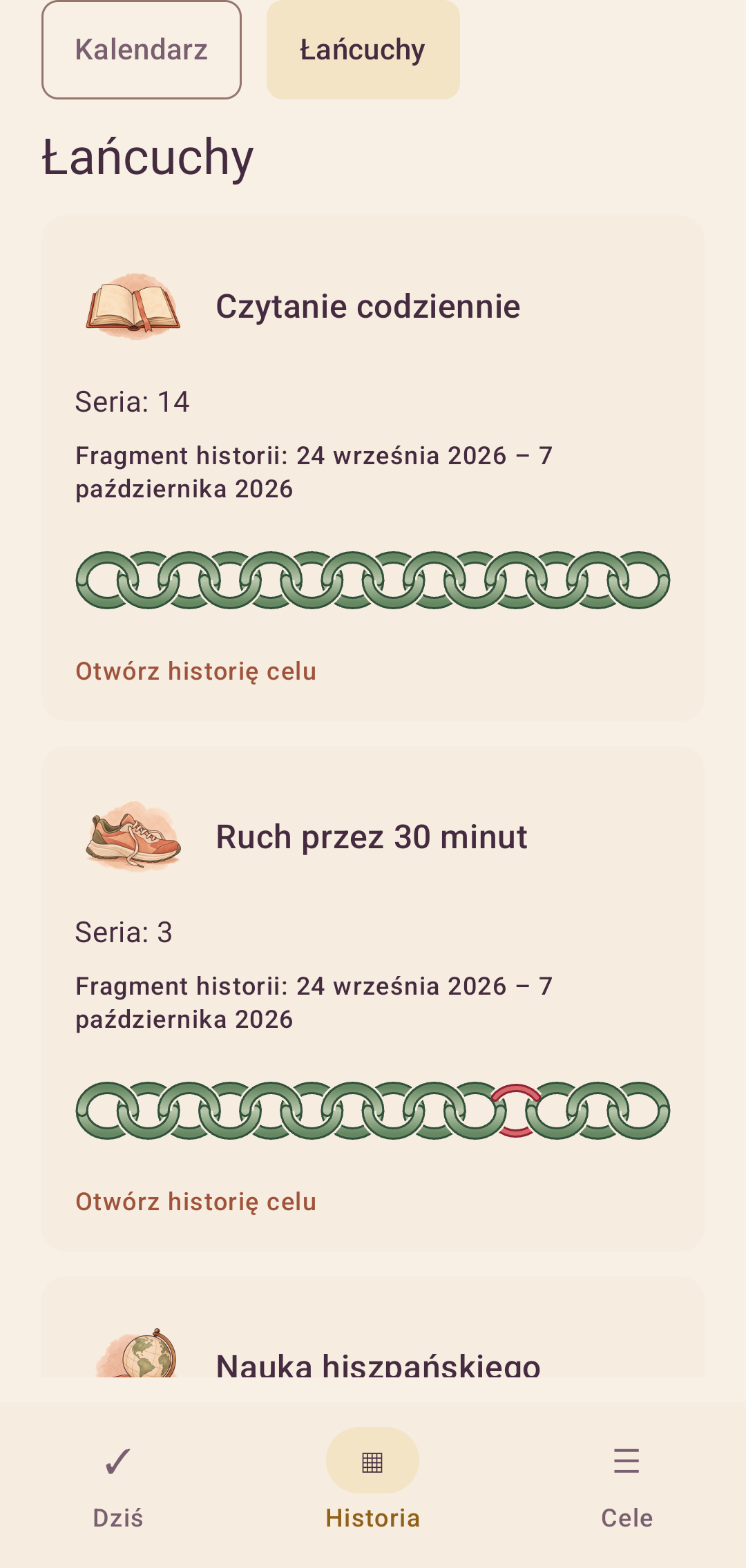
Review recent days across several goals. Open any chain to see that commitment’s detailed history.
Choose from 40 illustrations, search by name or use your own photo. The image identifies the goal; it does not replace its outcome.
Actual Android interface with sample data, shown in Polish. Click an image to view it at full size.
An unresolved day waits for your decision. The app never marks it as a failure automatically.
The goal was completed.
The defined minimum was completed.
Rest stays in the plan; extra work has its own record.
A missed goal, recorded deliberately.
A plan for a real week
Not every goal has to apply every day. Set a schedule, a minimum and optional time and notes.
Use a weekly break allowance or plan rest in advance. Set a vacation period for several goals.
Review the calendar, chains and effort chart. Undo your last mistake or settle an earlier day.
Privacy and backups
Goals and daily records are stored locally. The app does not upload them to Cibura’s server. You choose whether to export a file; Android may also back up app data to Google Drive according to your device settings.
Download and begin
The public beta is available as a signed APK. The link points to the current release on cibura.ch.
Android 8.0 or newer · universal APK
Download Android APKBeta 0.8.0 (8)
Checking the published release…
—The app is under development. Export backups of your history regularly.
The app can show when a new release is available. Export a backup before updating. A release signed with the same certificate can be updated by installing the newer APK.
Version 0.1.0 and debug installations have a different signature. Moving to the current release may require uninstalling the old app, which deletes its local data. Secure your history first; do not uninstall just to try an update.
A Cibura product
The starting point was a daily record of commitments on paper. Cibura developed it into a product model, an Android interface and signed downloadable releases. Keeping plan, execution and effort separate remains the foundation.
Explore other Cibura projectsYour experience
Tell us what helps, what gets in the way and which situation the app is missing.